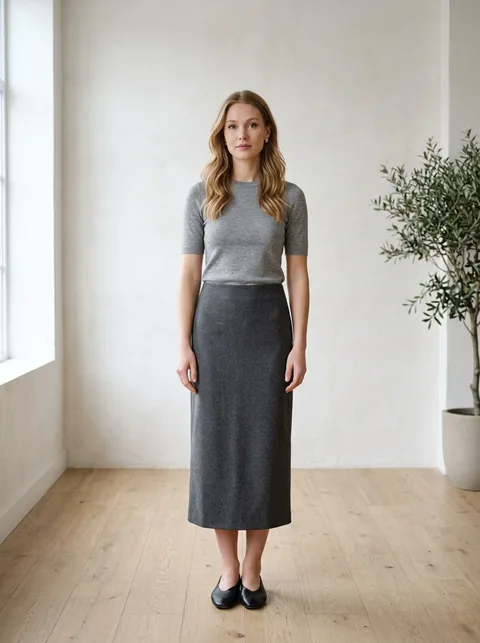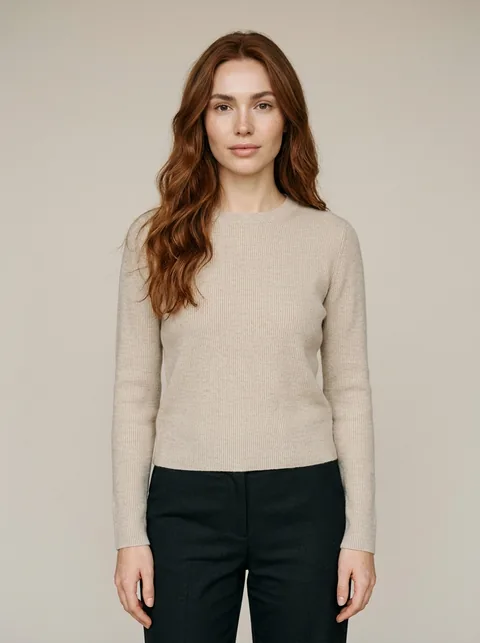
Virtual Try On Clothes

Virtual try on clothes online free by pairing your portrait with a single garment photo, a built-in library item, or a layering note. Preview color, neckline, and silhouette right in your browser before you buy—no app download required.

  • First 1K try-on free, no sign-up, no watermark
  • Runs in desktop & mobile browsers — no app install
  • One-time credit packs, zero recurring subscriptions
  • Auto credit refund if a generation fails

Photo to change

One person, facing the camera, with a visible face and even lighting. Avoid heavy occlusion or steep angles. JPG or PNG, up to 8MB.

Garment photo (optional — you can describe it instead)

Optional. Flat lay, hanger or a worn shot — or describe the outfit instead.

0 / 20000

Quality

This run: free 1K guest trial · no card

Subject to free availability. More runs and 2K/4K require signing in and credits. The $1 Trial is a separate paid pack (1 × 1K).

Example result

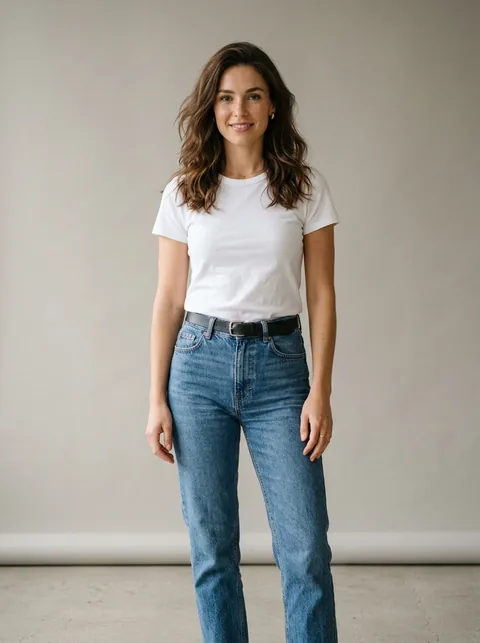
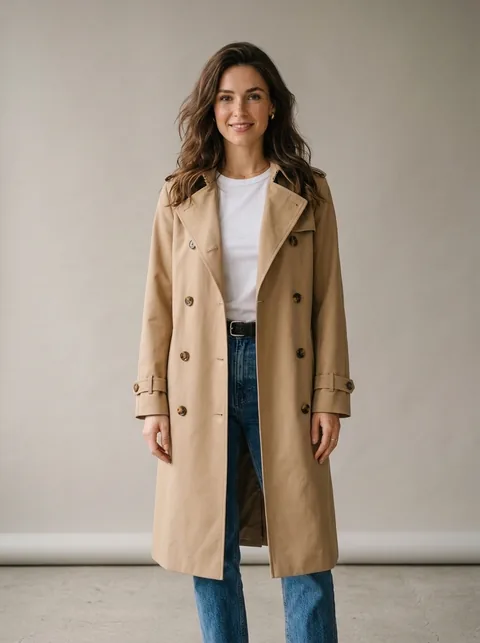
Camel trench coat virtual try-on comparison — BeforeCamel trench coat virtual try-on comparison — After

Why Use This AI Virtual Try On Workbench

Reference Photo, 22-Item Library & Layering Notes in One Place

Run a virtual outfit try on with a flat-lay product shot, a hanging garment photo, or one of 22 built-in garments. Add a short layering note—such as keeping your jeans or inner tee unchanged—without manually brushing a mask.

Free First Preview at 1K Without Login or Watermarks

Test your first free virtual try on preview at 1K resolution straight in the browser with no account wall and no corner watermark stamped across your outfit. Download the full image and inspect every seam before deciding.

One-Time Credit Packs With Automatic Failure Refunds

When you want to AI try on clothes across multiple items or export 2K and 4K previews, sign in and pay only for one-time credit packs—no weekly or monthly auto-renewals. Credit cost is shown before submission, and failed runs refund automatically.

View one-time credit packs

Private Uploads & Built-In Before-and-After Slider Checks

Your portraits stay private to your session and are never published to a public gallery. Every finished edit opens in a draggable before-and-after slider so you can verify your face, body proportions, hands, and background against the original photo.

When to Try Before You Buy Clothes Online

Try Before You Buy Clothes From Online Stores

Save a clean product image of a jacket, knitwear, or shirt and try before you buy clothes on your own portrait. Check whether the color flatters your skin tone and matches the trousers you already own before adding to cart.

Virtual Dress Try On & Occasion Outfits

Use a full-length portrait with breathing room around the silhouette for a virtual dress try on. Preview midi dresses, evening gowns, or tailored blazers from collar to hem so you can narrow down styles before ordering.

Compare Multiple Outfits on One Consistent Photo

Keep the exact same person photo when testing two or three garments in our virtual fitting room online free. Because pose and lighting stay fixed, you can download each look and compare neckline, layering, and color side by side.

Browser Alternative to a Virtual Try On App

Skip downloading a heavy virtual try on app just to test one coat. Open this page in your mobile or desktop browser, upload a photo from your camera roll, and save the generated preview directly to your device.

How to Virtual Try On Clothes Online in 3 Steps

  1. 1. Upload a Well-Lit, Framing-Matched Portrait

    Pick a clear, front-facing photo of one adult with arms kept away from the torso and no bag blocking the chest. Match your framing to the garment: upper-body portraits work for tops and blazers, while full-length photos are required for dresses and trousers.

  2. 2. Add One Clear Garment Reference or Pick From the Library

    Upload a flat-lay or hanging photo showing one garment with visible neckline, sleeves, and hem—crop out extra items or collages. If the reference shows another person, crop tightly around the garment edges. You can also select a starter piece from the built-in clothing library.

  3. 3. Specify Layers to Keep, Generate & Verify With the Slider

    Add a short layering instruction when needed—for example, "Wear this coat over my white tee and keep my blue jeans." After you virtual try on clothes, drag the before-and-after slider to check face, hands, and seams. If anything shifts, adjust only one variable at a time before retrying.

Real Virtual Fitting Room Before-and-After Examples

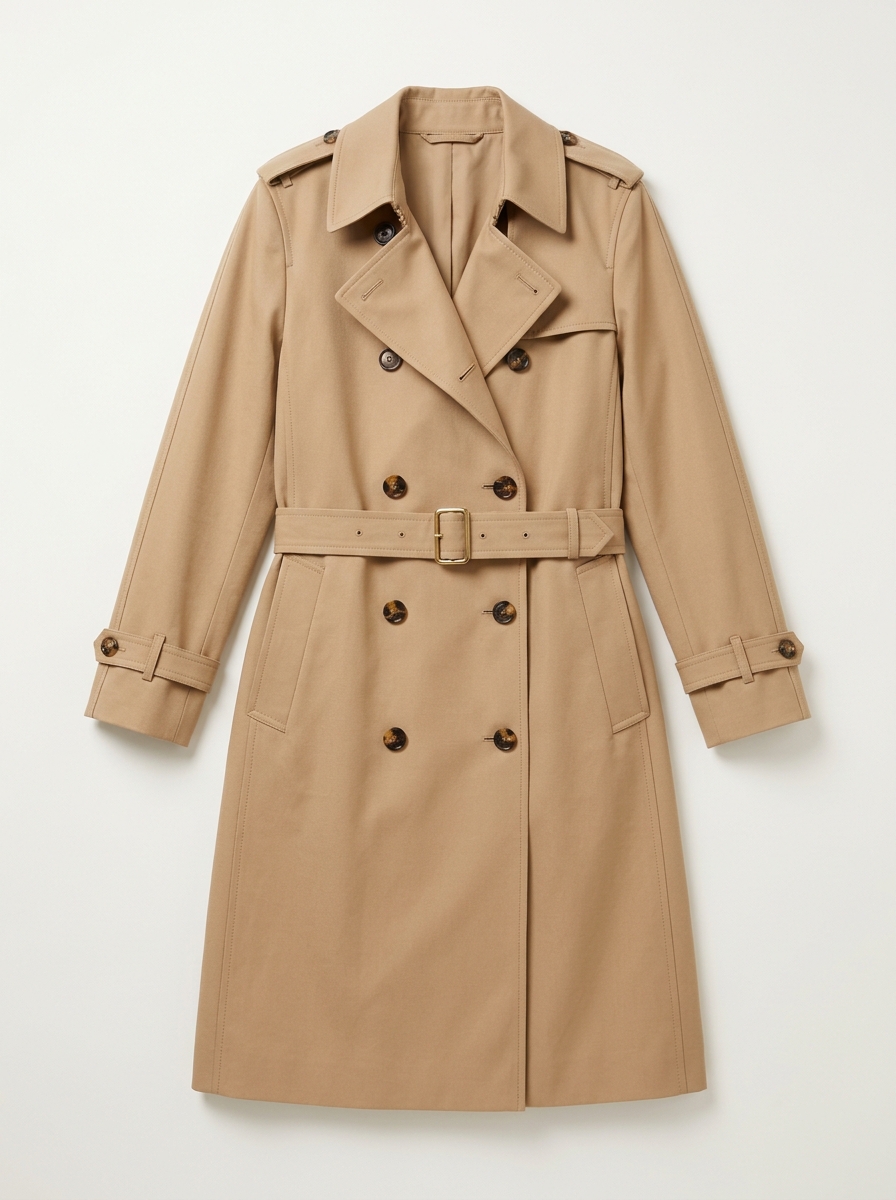
Camel trench coat flat-lay try-on — BeforeCamel trench coat flat-lay try-on — After

Camel trench coat flat-lay try-on

Camel trench coat flat-lay try-on garment referenceCamel trench coat reference

The camel double-breasted trench coat reference is layered over the model’s white tee and blue jeans.

Compare the lapel shape, tortoise button placement, waist belt, and hem length against the flat-lay reference, then use the slider to verify the face, hair, hands, jeans, and studio backdrop against the original photo. Treat the preview as a color and silhouette reference rather than physical sizing proof.

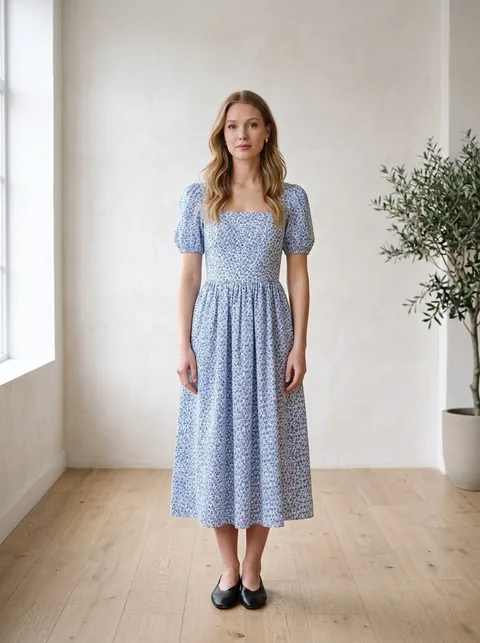
Floral midi dress flat-lay try-on — BeforeFloral midi dress flat-lay try-on — After

Floral midi dress flat-lay try-on

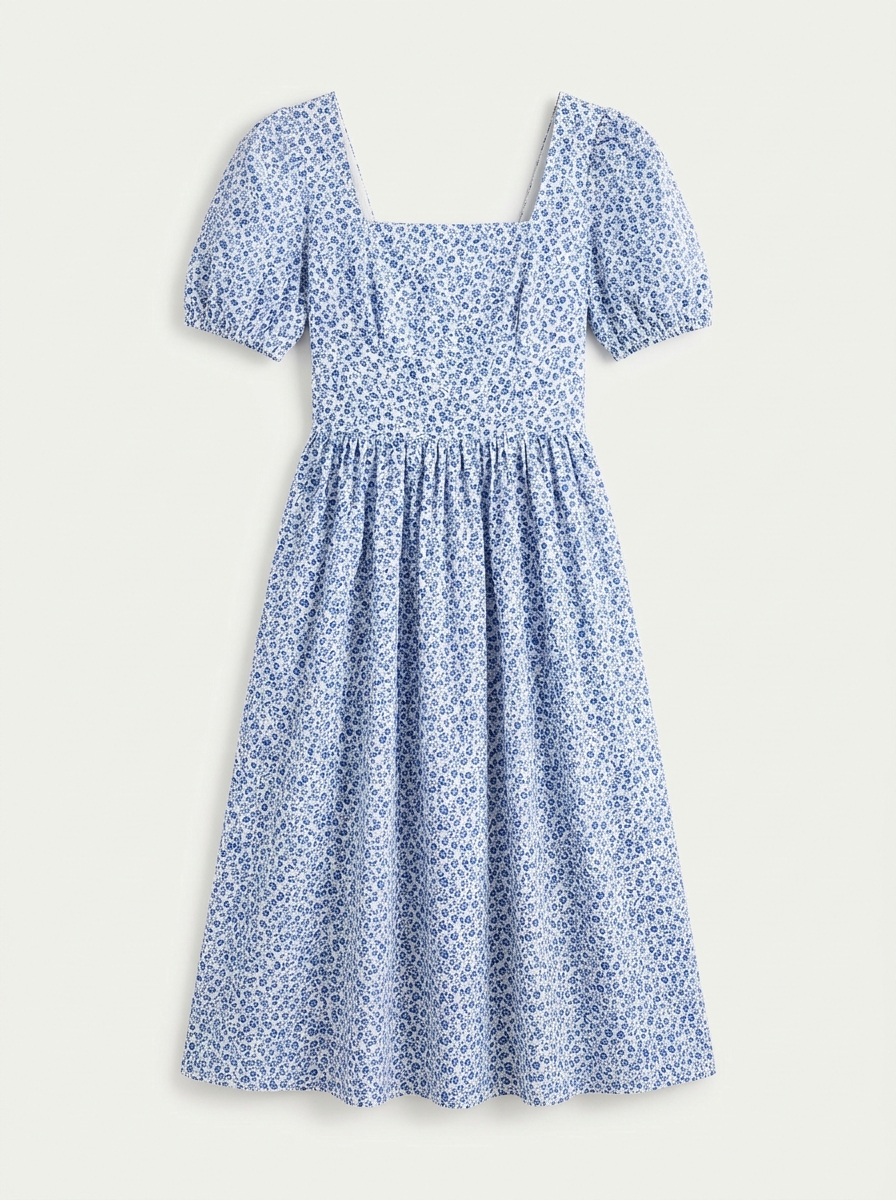
Floral midi dress flat-lay try-on garment referenceFloral midi dress reference

The blue-and-white ditsy floral midi dress transfers from the flat-lay reference with square neckline, puff sleeves, and natural waist drape.

Compare the square neckline, puff sleeves, floral motif scale, and waist seam from bodice to skirt against the flat-lay reference, then drag the slider to inspect the result at full resolution.

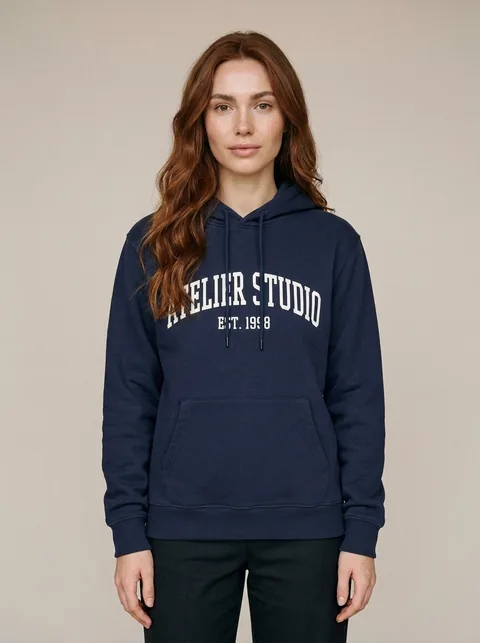
Graphic hoodie flat-lay try-on — BeforeGraphic hoodie flat-lay try-on — After

Graphic hoodie flat-lay try-on

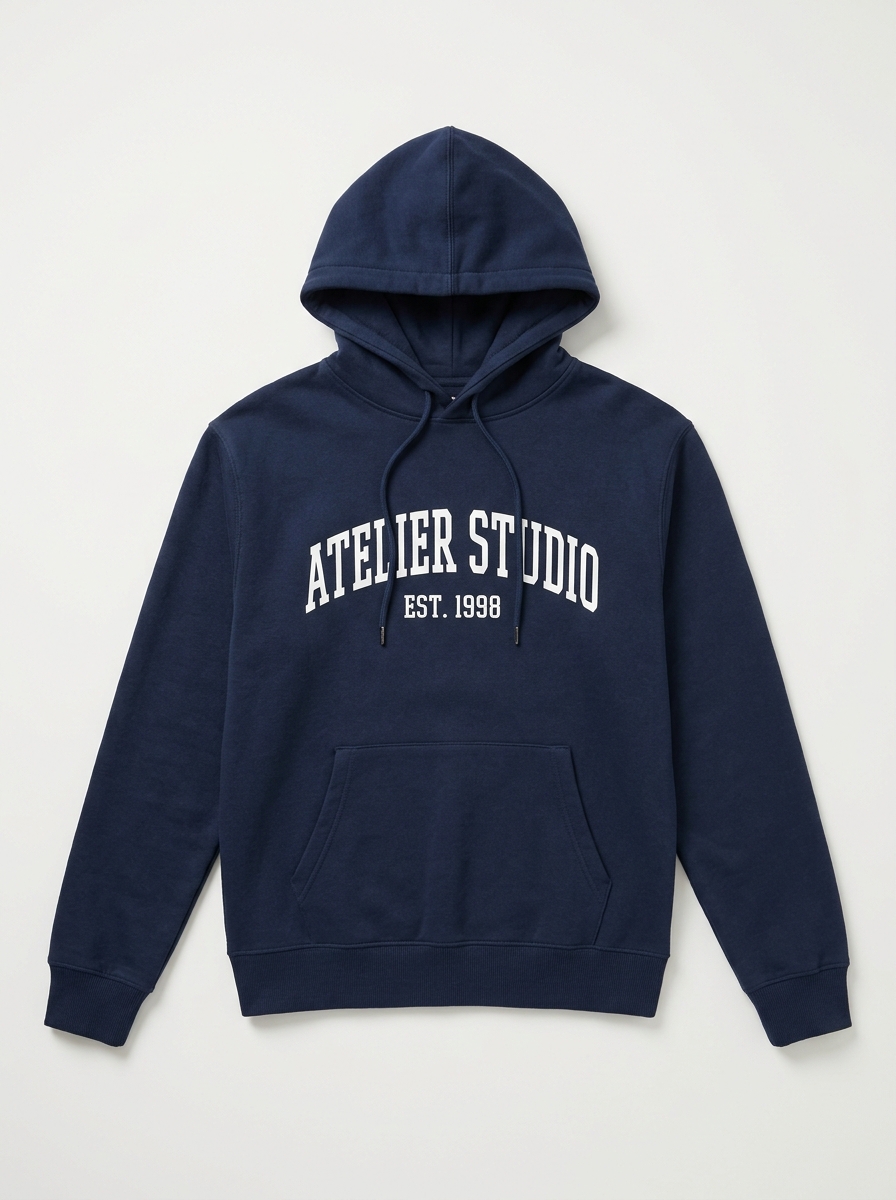
Graphic hoodie flat-lay try-on garment referenceGraphic hoodie reference

The deep navy graphic hoodie reference drapes naturally on the model while preserving the chest lettering, hood, and pocket structure.

Compare the chest lettering, navy fabric tone, neckline placement, and sleeve folds against the flat-lay hoodie reference at full resolution using the before-and-after slider.

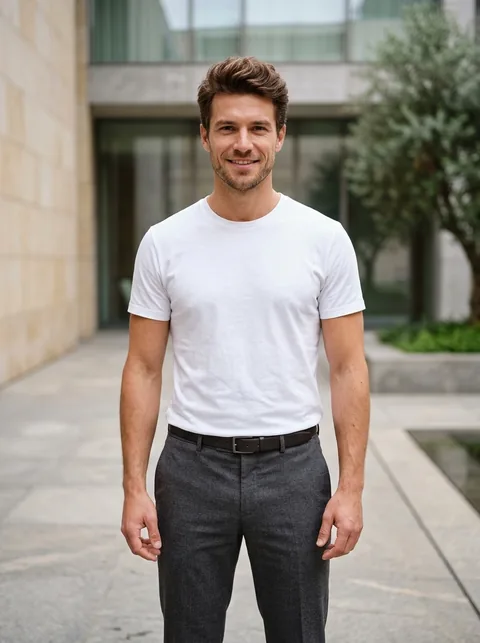
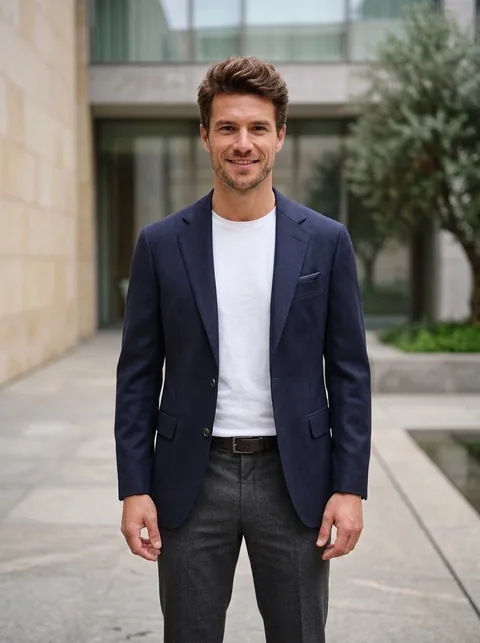
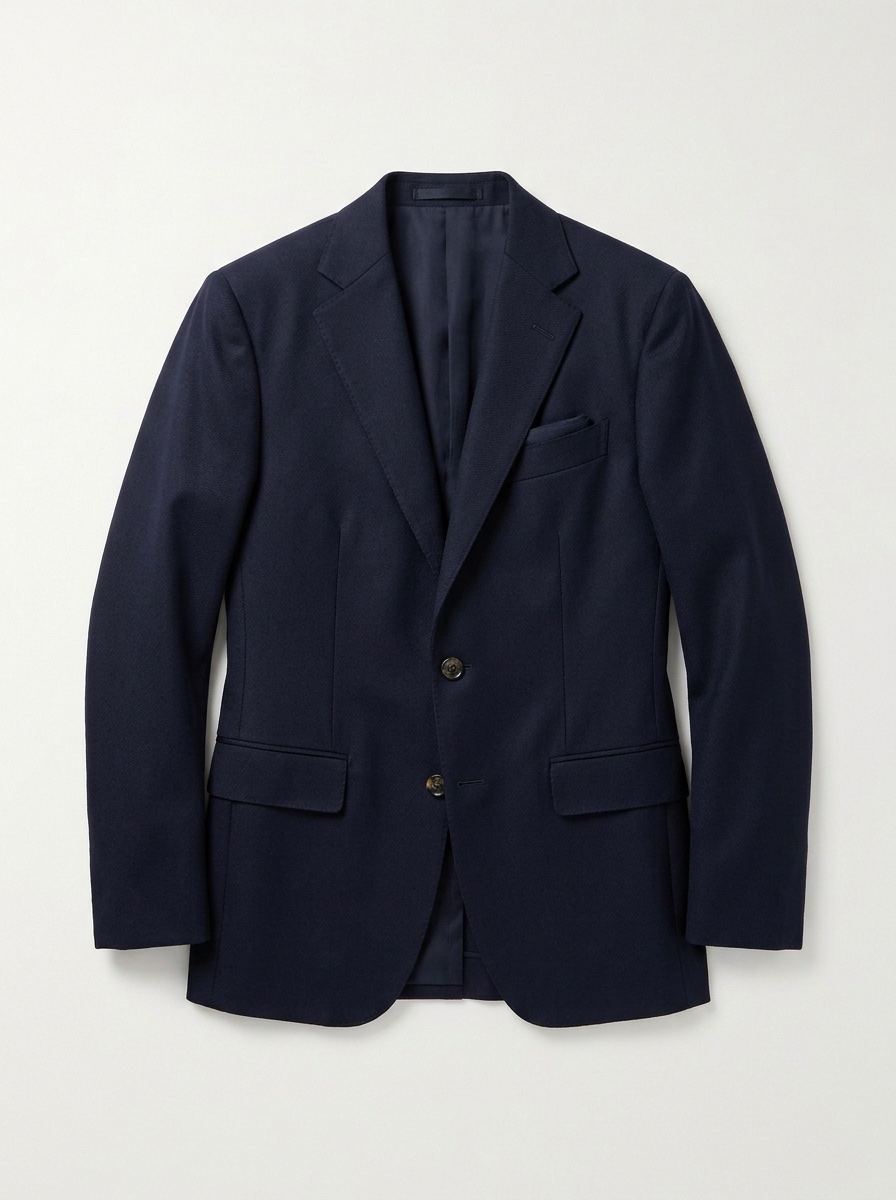
Men’s tailored navy blazer layering try-on — BeforeMen’s tailored navy blazer layering try-on — After

Men’s tailored navy blazer layering try-on

Men’s tailored navy blazer layering try-on garment referenceNavy blazer reference

The tailored navy wool blazer is layered open over the model’s white crew-neck tee and charcoal trousers.

Inspect the shoulder line, notch lapels, horn buttons, and sleeve length against the flat-lay blazer reference, then drag the slider to verify facial features, beard texture, trousers, and studio backdrop against the original portrait.

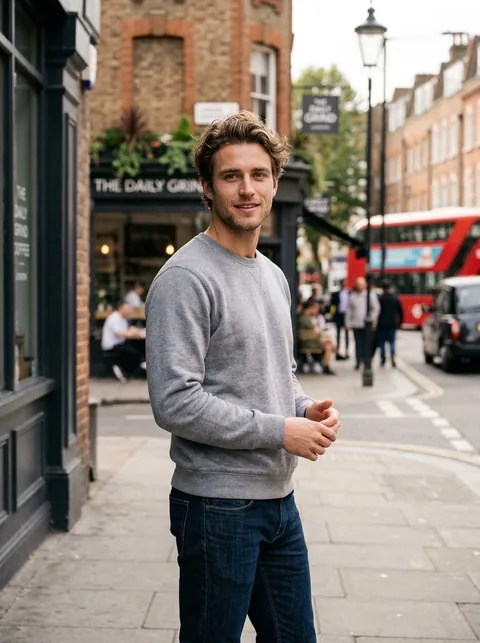
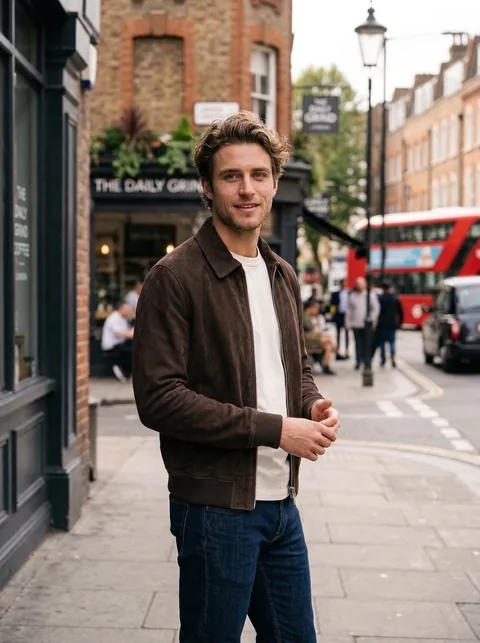
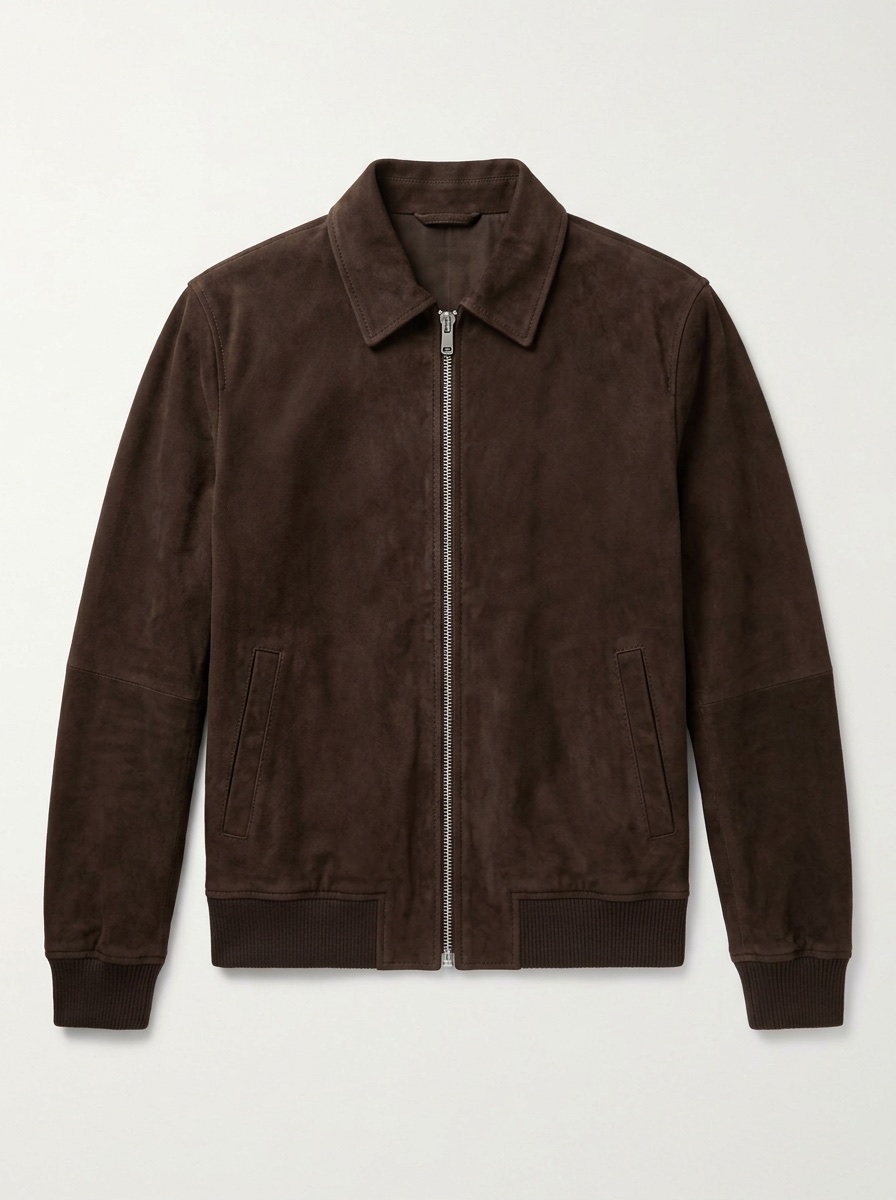
Men’s espresso suede zip jacket try-on — BeforeMen’s espresso suede zip jacket try-on — After

Men’s espresso suede zip jacket try-on

Men’s espresso suede zip jacket try-on garment referenceSuede jacket reference

The espresso suede jacket replaces the outer layer while keeping the dark indigo jeans and studio light consistent.

Check the collar structure, center zipper, suede grain, and waist hem against the garment reference. Use the before-and-after slider to confirm pose, hands, and denim fit remain faithful to the base photo.

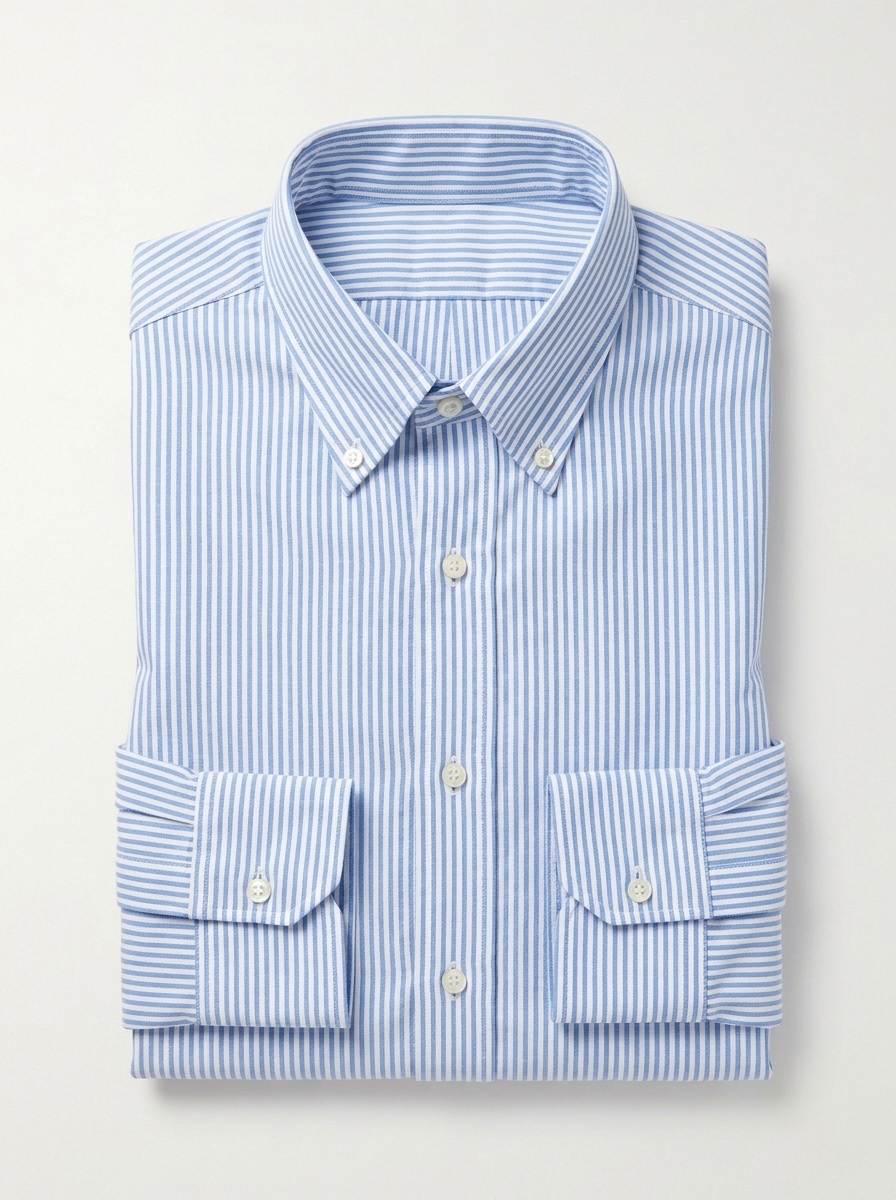
Men’s fine-striped Oxford shirt try-on — BeforeMen’s fine-striped Oxford shirt try-on — After

Men’s fine-striped Oxford shirt try-on

Men’s fine-striped Oxford shirt try-on garment referenceStriped Oxford shirt reference

The sky-blue fine-striped Oxford shirt transfers cleanly with crisp collar structure, button placket, and tailored sleeve cuffs.

Compare the stripe pattern, collar structure, button placket, and cuff seams against the flat-lay shirt reference at full resolution using the slider.

4 Details to Inspect After Every Virtual Fitting

An online virtual dressing room helps you compare color harmony, neckline, and silhouette on your own photo before buying. Use the interactive slider on every result to inspect four areas at full resolution: (1) overall coverage and preserved layers, (2) neckline, cuffs, buttons, and hem compared against the garment reference, (3) facial identity, hands, and body proportions against your original photo, and (4) print, stripe, and chest logo detail. Below are six unretouched womenswear and menswear virtual try on clothes examples covering trench coats, floral dresses, graphic hoodies, blazers, jackets, and striped shirts.

Read the photo outfit editing guide

Preview Style & Silhouette Before Ordering

Use this virtual try on clothes tool online to see how a coat, dress, knit, or jacket pairs with your photo. Upload a garment image to preview a specific product, or write a text description to explore a general style. Each run generates one focused image so you can compare items cleanly one by one.

Can Virtual Try On Clothes Tell Me Which Size to Buy?

No. Virtual try on clothes AI generates a visual outfit preview; it does not measure your body dimensions or simulate physical fabric stretch and tightness. Sleeve length, waist fit, and drape in the preview are visual estimates—always check the retailer’s size chart, garment measurements, and return policy before buying.

Virtual Try On Clothes FAQ

What photos work best to virtual try on clothes?

Pair one well-lit, front-facing adult portrait with a clear single-garment reference image. Match the framing to the item—include legs for dresses or trousers—and keep arms away from the torso. JPG and PNG uploads are supported within the file-size limit shown in the workbench.

Is there a free virtual try on without watermarks or a subscription?

Yes. Your first 1K free virtual try on preview requires no login and carries no watermark, subject to trial availability. For additional previews or 2K/4K exports, sign in and use one-time credit packs with no recurring subscription. Credit costs appear before you submit, and failed generations refund automatically.

Do I need a virtual try on clothes app, or can I use my browser?

You do not need an app that lets you try on clothes virtually. Open this page directly in Safari, Chrome, or any mobile or desktop browser, upload your photo and garment reference, and download the finished preview without installing a separate app.

Can I preview clothes using text only without a garment photo?

Yes. Enter a clothing description in the prompt box to explore colors or outfit ideas without uploading a reference image. To preview a specific store item accurately, upload its flat-lay or hanging product photo, or pick a piece from the 22-item built-in library.

How do I keep my existing pants or inner top when trying on a jacket?

Add a short layering instruction alongside your garment reference—for example, "Put this coat over my white top and keep my blue jeans unchanged." Keep one clear change per generation and verify the edges with the before-and-after slider.

Will my face, body shape, logos, and prints stay identical?

This virtual try on clothes workbench preserves your face, pose, body proportions, and garment reference details—including logos, lettering, and floral or striped prints—when paired with sharp, evenly lit photos. Use the before-and-after slider at full resolution (up to 4K) to verify every detail before sharing or publishing.